


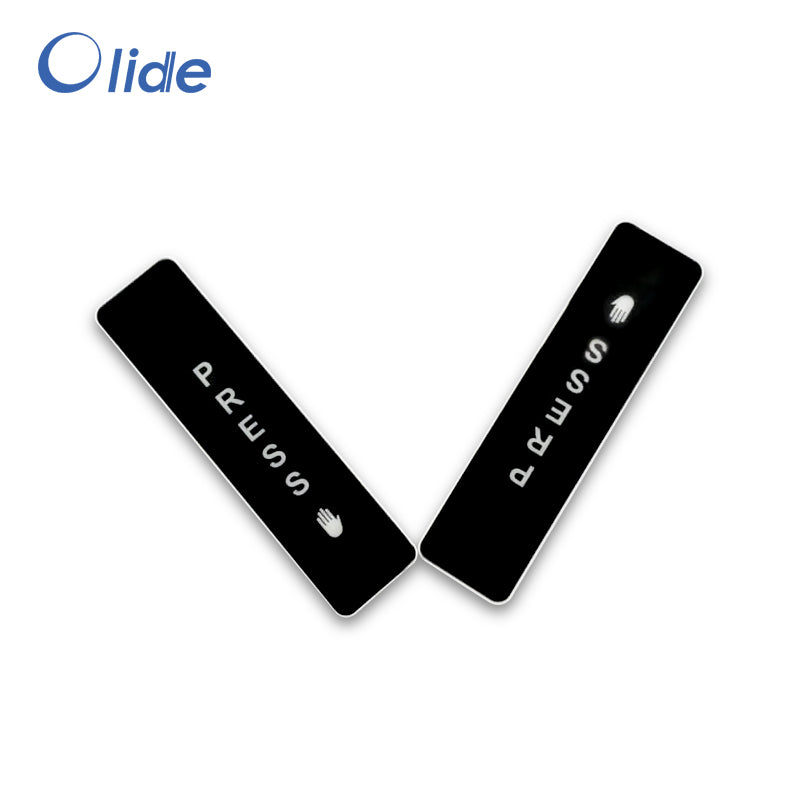
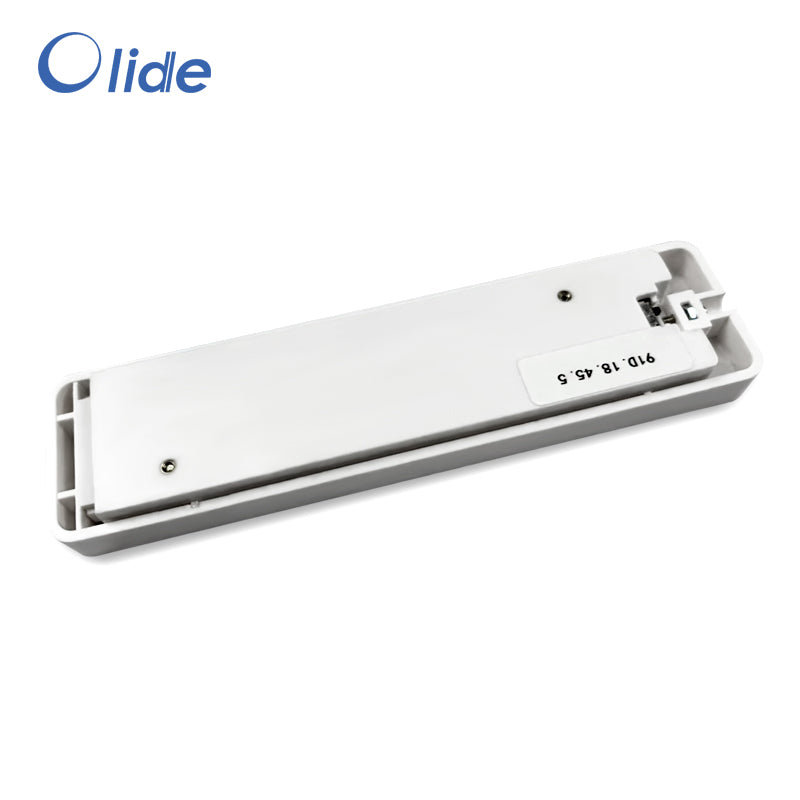
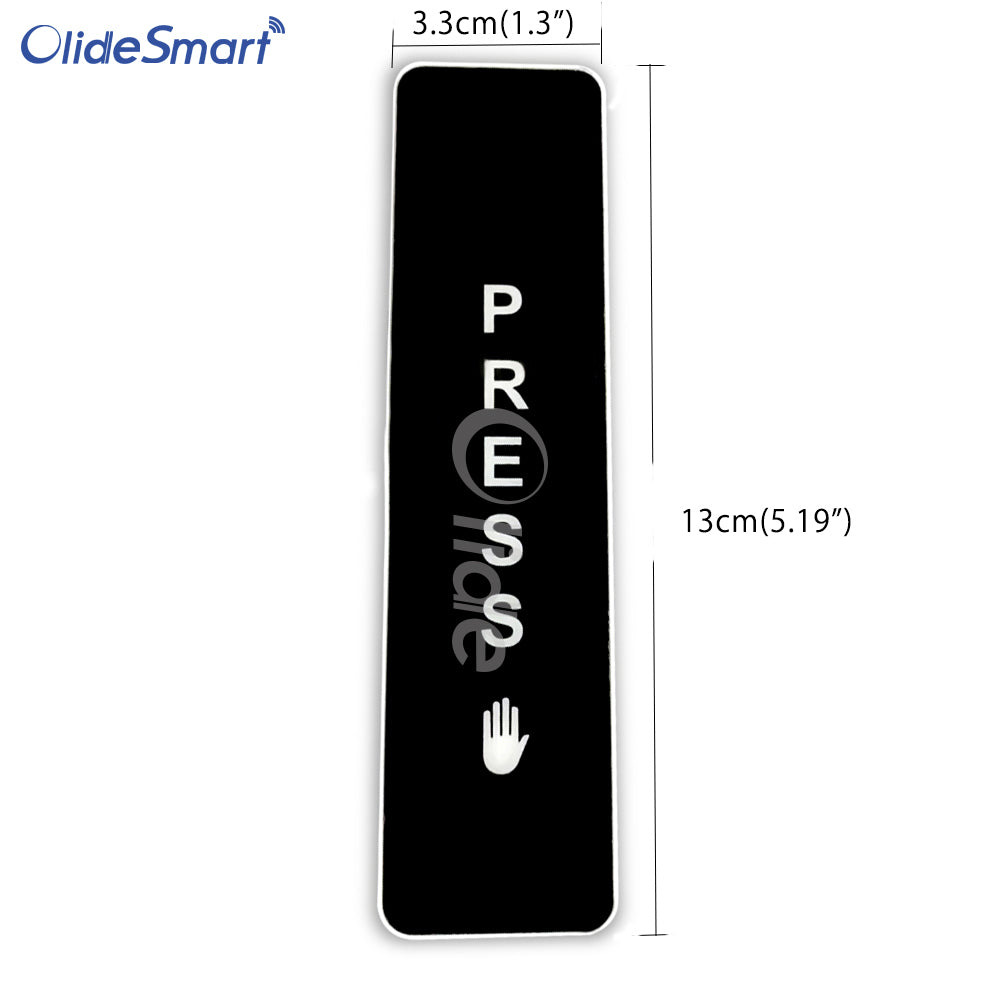
Wireless Push Button For Olide-120B, DSW120 Swing Door Opener
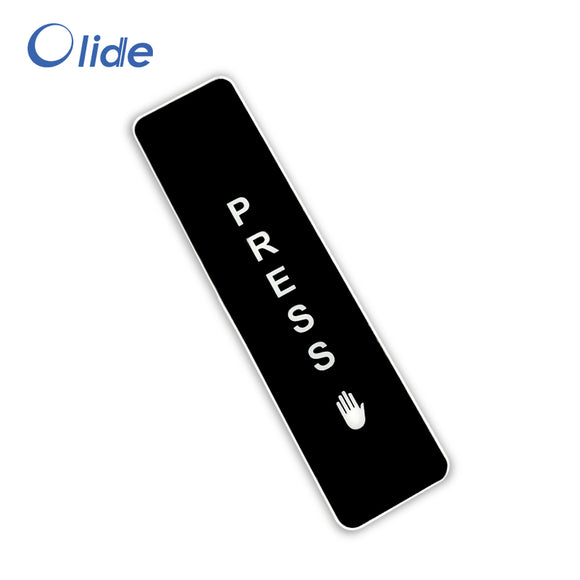
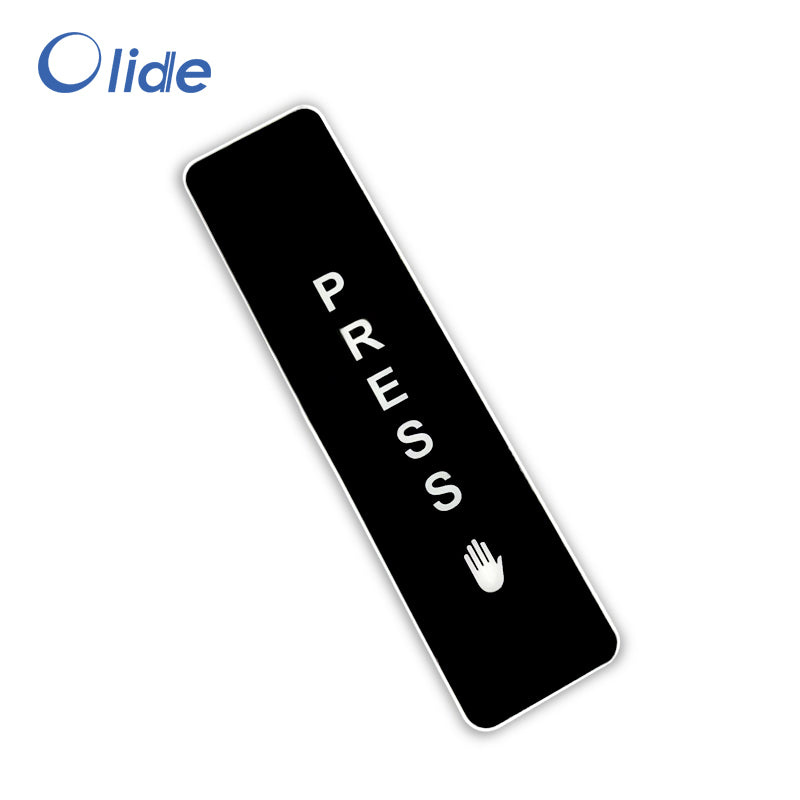
Wireless Push Button For DSW120 Swing Door Opener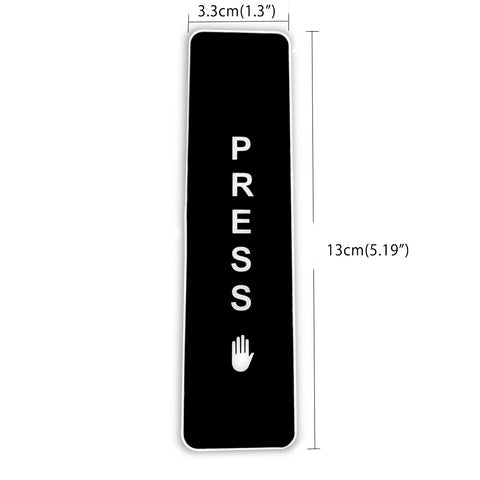
- Use self-learning to code, convenient for customers to add push button switch;
- High stability of wireless transmission and reception -- Adopting sound meter resonator frequency stabilization technology, good frequency consistency, high stability of wireless transmission and reception;

- Beautiful and wear-resistant appearance -- PU varnish shell curing and thick film labeling, beautiful shell, wear-resistant and anti-dropping screw fixing;

- Long battery life -- using low-power emission technology, low power consumption, long battery life;
- The trigger is light and reliable -- the three-point press trigger design ensures that the wireless push button the entire panel strip is effective;

Wireless Push Buttons Settings with Olide-120B Swing Door Opener
The wireless push buttons are encoded with the opener component assembly.
Code Learning Description
1. Delete: Press the "encode" button until the buzzer sound ceases, then release the "encode" button.
2. Code: Press the "encode" button once - the buzzer will sound. Now press the
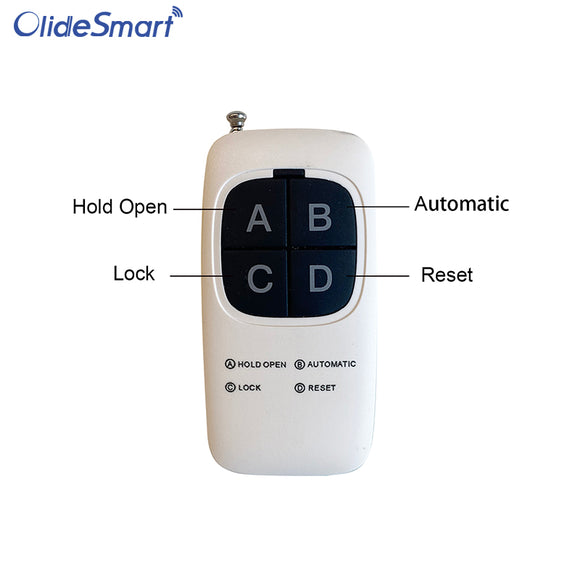
"PRESS" button – the buzzer sound will cease, indicating the code has successfully been learned. When using the remote control, the buzzer will sound for 2 seconds.
3. Note: If when you press the "PRESS" button the buzzer beeps twice, this indicates the learning has failed - please repeat step 2 again.